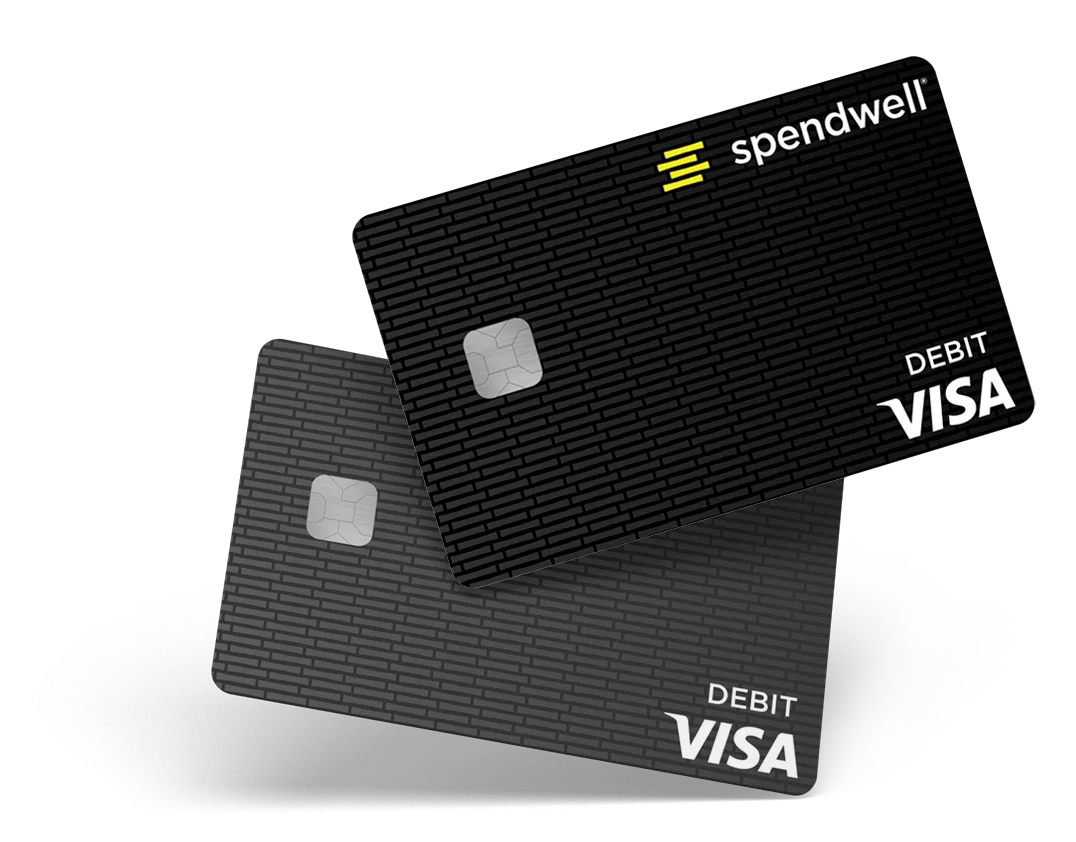
Mobile Money Transfers
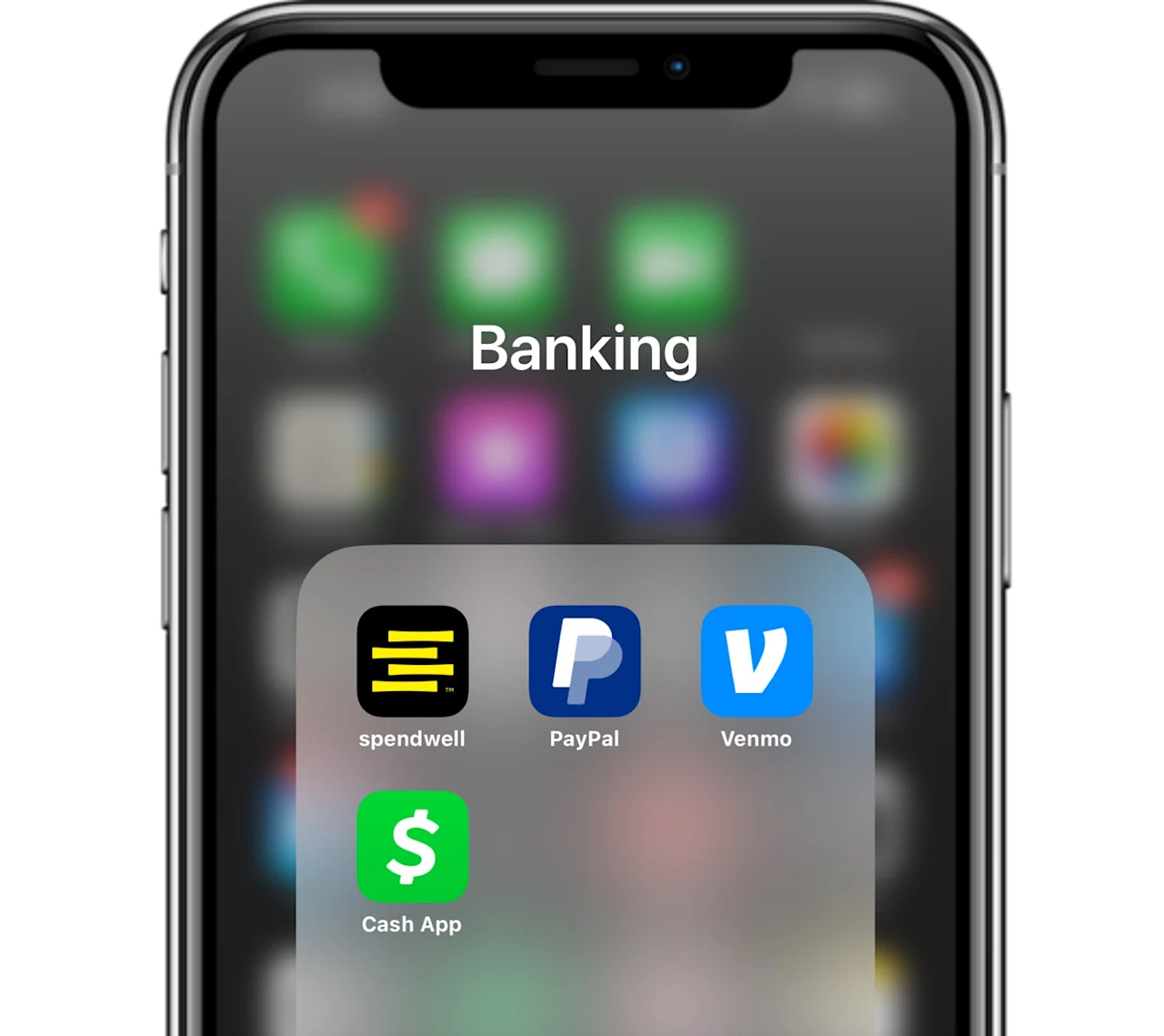
Easily transfer money to another person through the spendwell Mobile App1 or through other mobile payment apps like Venmo, Cash App, or Paypal.
Transferring money is simple with spendwell
Use the spendwell Mobile App to quickly send or receive money from other spendwell cardholders with just a few clicks.

Easily connect your card to another mobile payment app
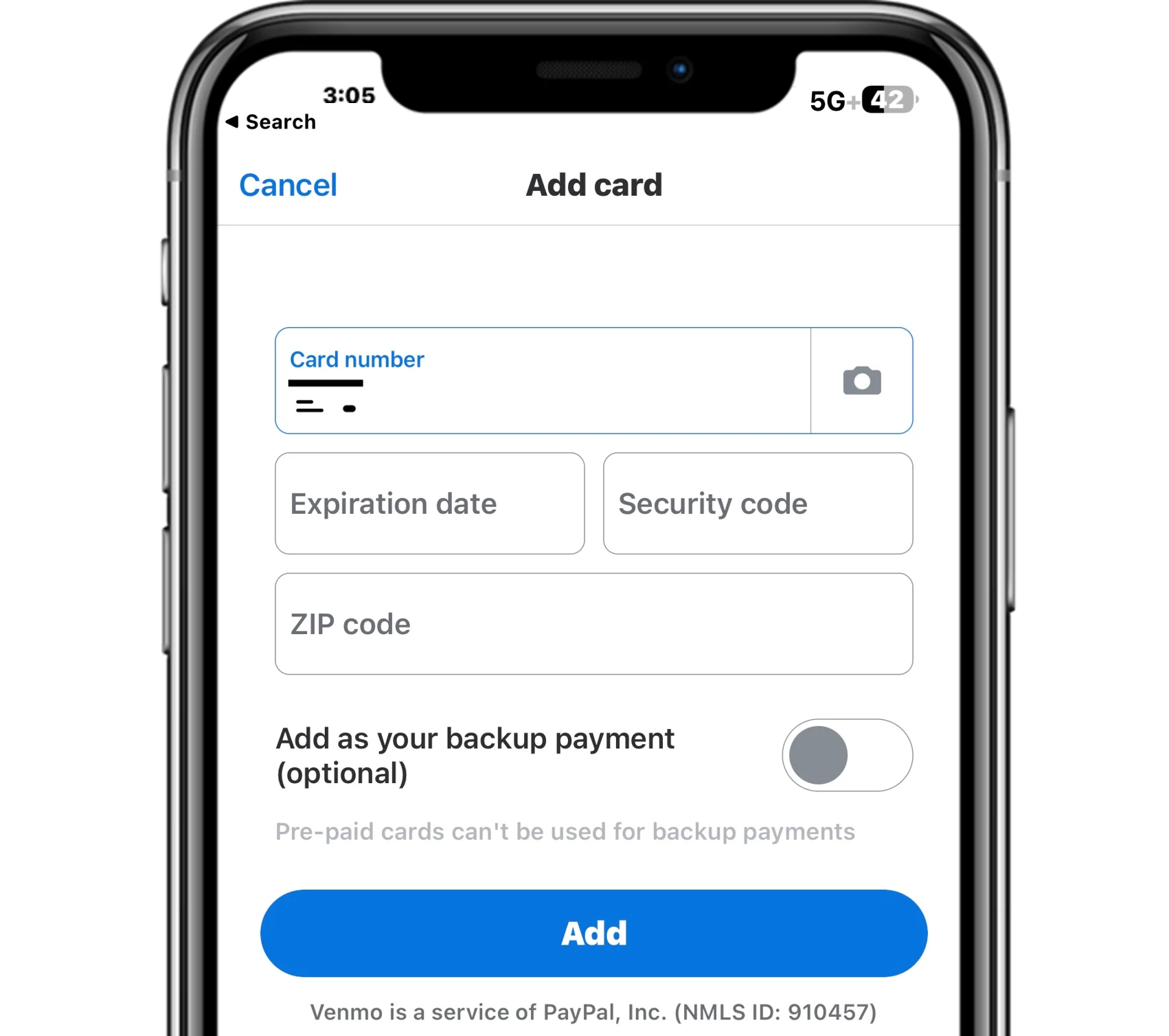
You can add your spendwell card to other mobile payment platforms to conveniently transfer funds to load your spendwell account.
Follow the steps in the FAQs to link your card. As the process is subject to change, please confirm the latest information within each app.
FAQs
-
You may be able to transfer money from an external bank account or money app (like Venmo or PayPal) to your account by initiating a transfer from your external bank account or money app. You are not able to initiate this type of transfer from your spendwell Account. We do not charge a fee for this, but the initiating bank or app may charge a fee. Check with them for details on availability, fees they may charge, and timing, as well as instructions for how to complete the transfer.
-
Open the PayPal app and select Wallet from the bottom bar
Look for Banks and cards and click the + symbol. Select Bank Account or Debit and credit cards from the menu
Enter in the account and routing numbers or the card information, respectively
You will now see your account/card under Banks and Cards
You can use your linked account or card to pay people or businesses through PayPal or to add funds to your PayPal balance
To send funds from PayPal to your spendwell card, go to Payments and under More options, click on To a bank account or Debit card deposit.
This will open up a third-party called Xoom in the PayPal app, where you can transfer funds out of your PayPal balance for a fee. See app for details.
-
Open Cash App and select Your Account by clicking on the photo bubble in the top right corner
Under Accounts & Settings, you will see options to link a debit card and/or bank account. You may only have one debit card and bank account added at a time – to add your spendwell card, you must remove any linked debit cards or bank accounts.
Linked Debit Card:
You can add your spendwell card to your Cash App account and use it to pay people or businesses through Cash App or to add funds to your Cash App balance
Linked Bank Account:
You can add your account and routing numbers for your spendwell® Bank Account to your Cash App account and send money from your Cash App account to your spendwell® Bank Account.
-
1. Open the Venmo app and under the Me section, click on Banks and Cards and click Add a bank or card.
2. Add in your account and routing numbers to link your spendwell card as a bank account or enter your debit card info to link it as a debit card.
3. Linked Debit Card:
a. You can add your spendwell card to your Venmo account and use it to pay people or businesses through Venmo or to add funds to your Venmo balance
4. Linked Bank Account:
a. You can add your account and routing numbers for your spendwell® Bank Account to your Venmo account and send money from your Venmo account to your spendwell® Bank Account.
-
You can send money to anyone with a spendwell account. If you send money to someone who is not a spendwell accountholder, then that person will receive email instructions on how to register for a spendwell account. Once they set up their spendwell account, they can begin to send and receive money.
Follow these steps to send money:
Log in to your spendwell account.
Go to Money Out then select Send Money.
Select the contact you would like to send money to or click or tap on ‘Add contact’ to add a new contact.
Enter the amount you’d like to send and select Send.
We will notify you via email when the money you sent has been accepted or cancelled.